Tabster Help Center
Email in recurring invoices like utilities
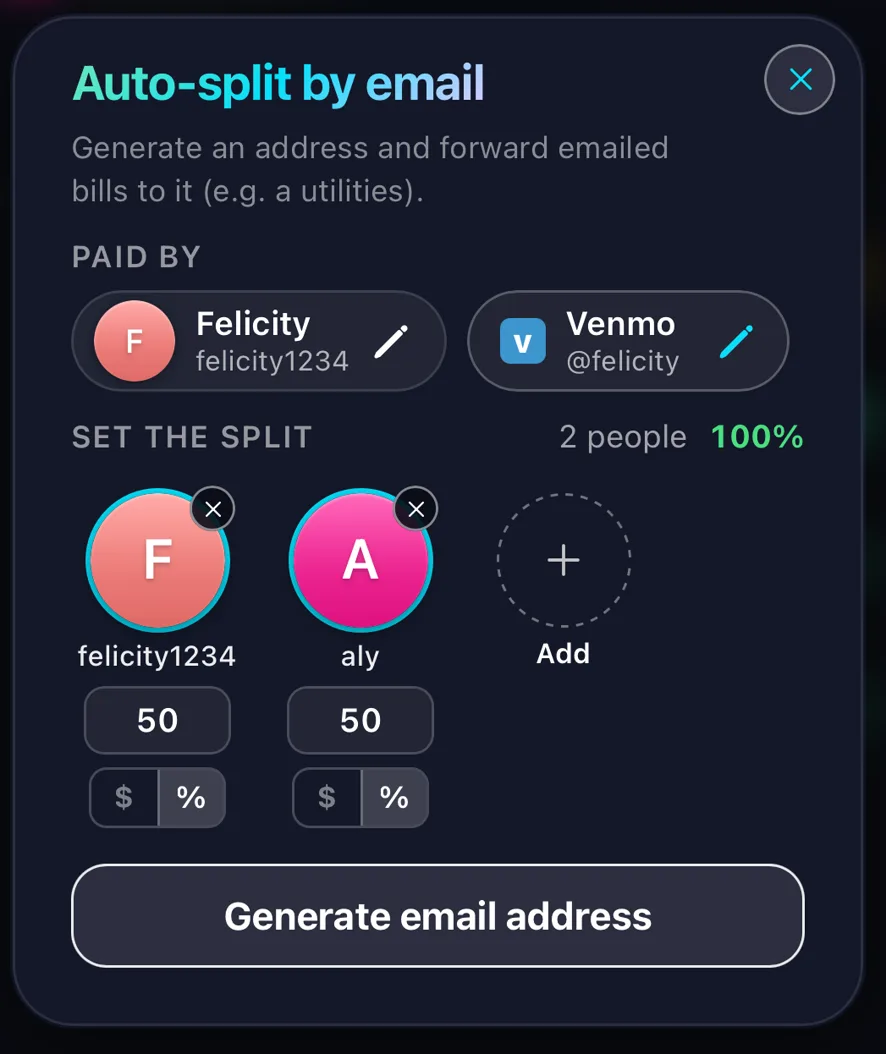
Click the + button on the bottom bar of the homepage and choose Email bills. Set who is splitting it and how, then generate an email address for it.
Forward a bill to that address and Tabster reads the invoice and splits it for you. Best for anything that arrives every month — power, internet, water. Set up a forwarding rule in your email and they will land in Tabster on their own.
Need more help?
We're here for you. Email us at support@tabster.ai and we'll get back to you as soon as possible.


