Tabster Help Center
Viewing the receipt source
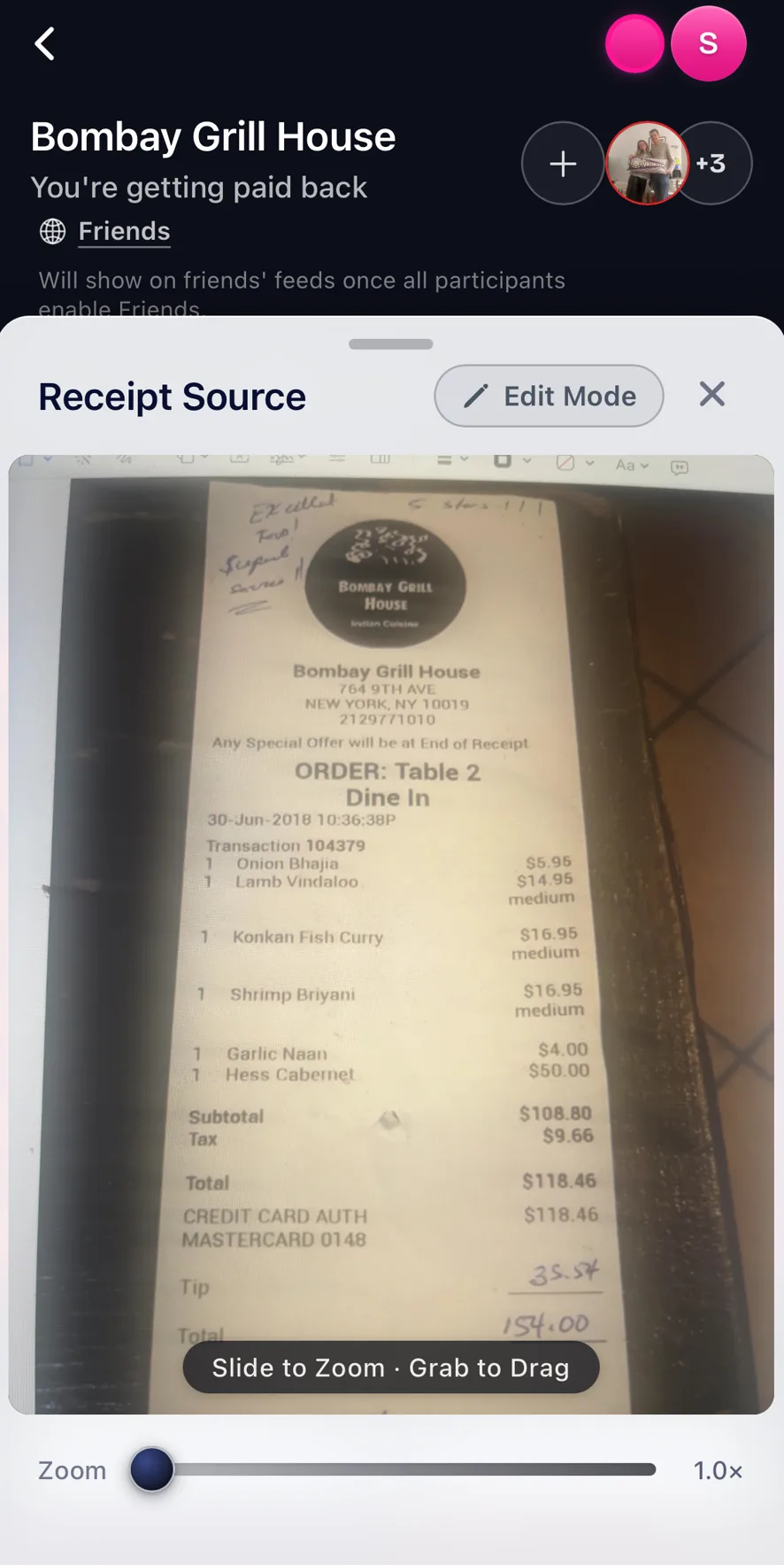
You can click the receipt icon button in a receipt page, the one left of the three dot menu, to see the original photo or linked receipt source.
You can use this to remember if you added the tip or not and edit Tabster's interactive version of the receipt accordingly.
Need more help?
We're here for you. Email us at support@tabster.ai and we'll get back to you as soon as possible.


