Tabster Help Center
Splitting a bill evenly
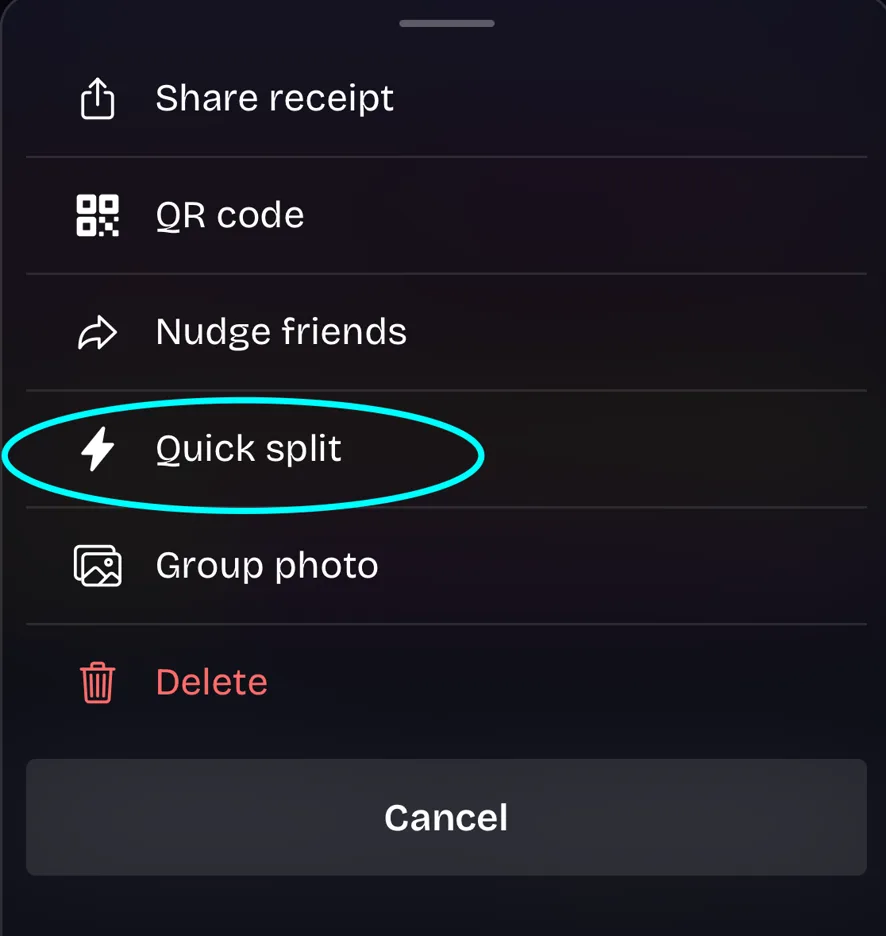
To split a bill evenly instead of item by item, select the Quick Split option in the three dot menu of a receipt.
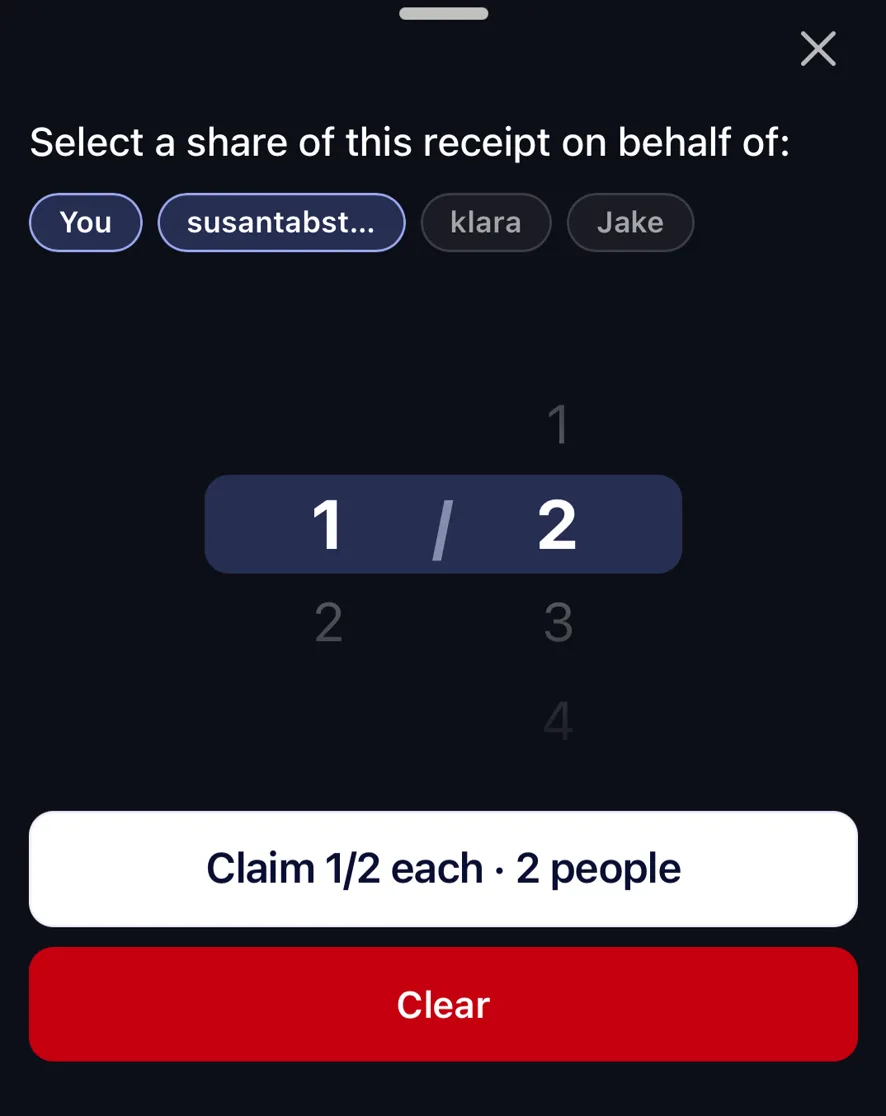
Select the users you're splitting with, and choose what portion each user takes.
Quick split is the right tool when the itemized version would not tell you anything useful: a shared bottle of wine, a taxi, a set menu where everybody ate the same thing.
It covers the whole bill including tax and tip, so an even split really is even. Nobody has to work out whether the service charge was already in the number they were given.
You can quick split for a subset of the table rather than everyone. Pick the three people who shared the taxi and it splits between those three.
Splitting evenly is a choice rather than a default here. It is worth taking when itemizing would be pedantic, and worth skipping when the group would rather claim what they actually ordered. That is the case where claiming by item is fairer and takes about as long.
Need more help?
We're here for you. Email us at support@tabster.ai and we'll get back to you as soon as possible.