Tabster Help Center
Quick split the entire receipt
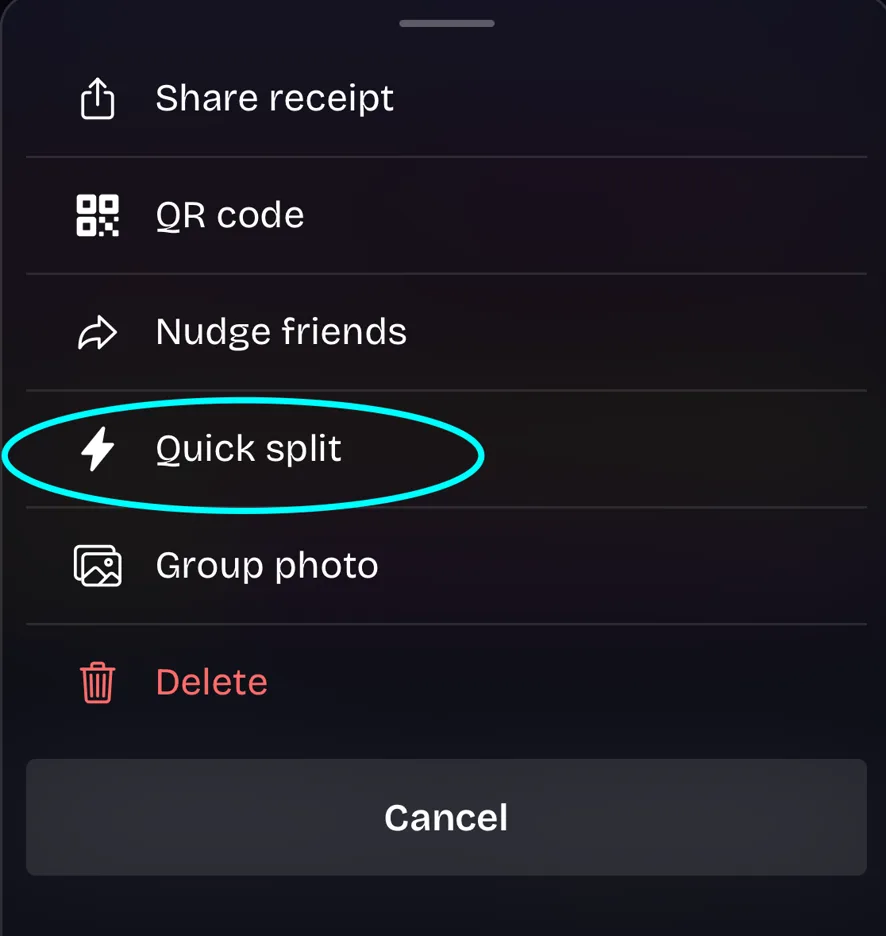
Select the Quick Split option in the three dot menu of a receipt to split evenly.
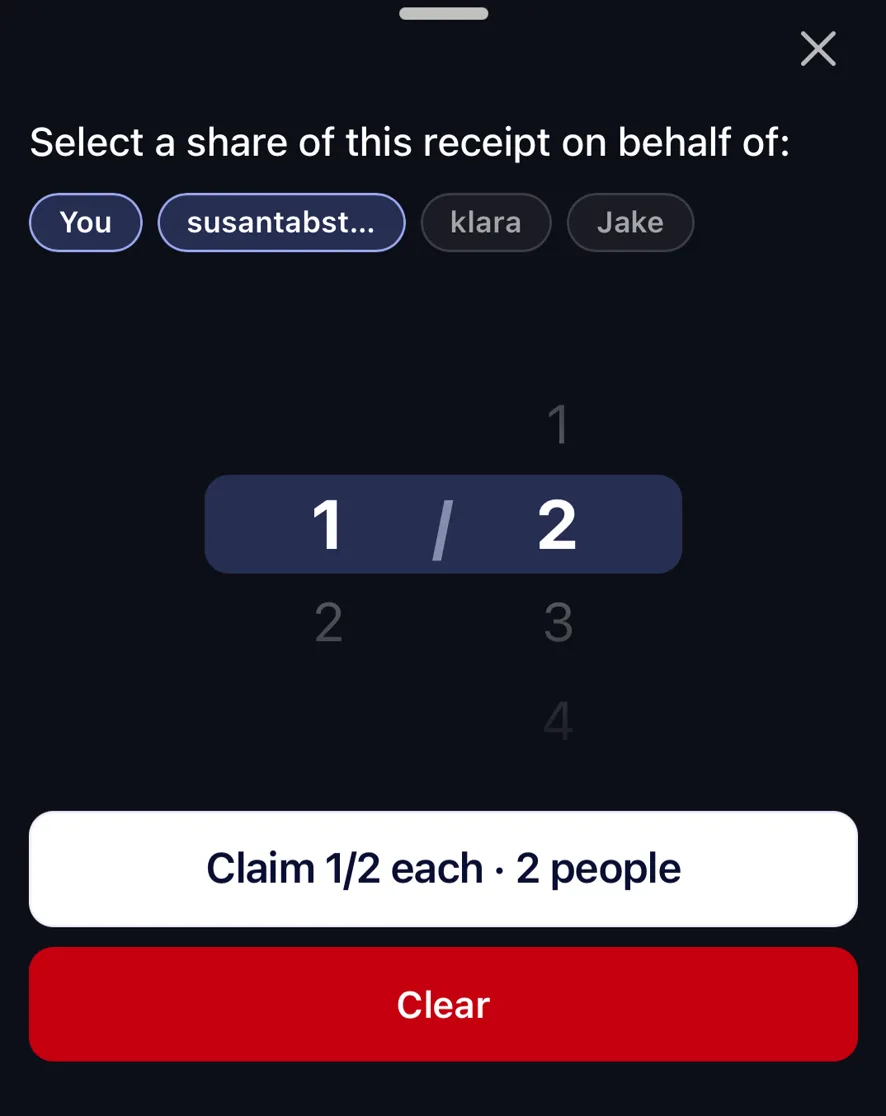
Select the users you're splitting with, and choose what portion each user takes.
Need more help?
We're here for you. Email us at support@tabster.ai and we'll get back to you as soon as possible.


