Tabster Help Center
Or selecting on behalf of friends and Venmo requesting
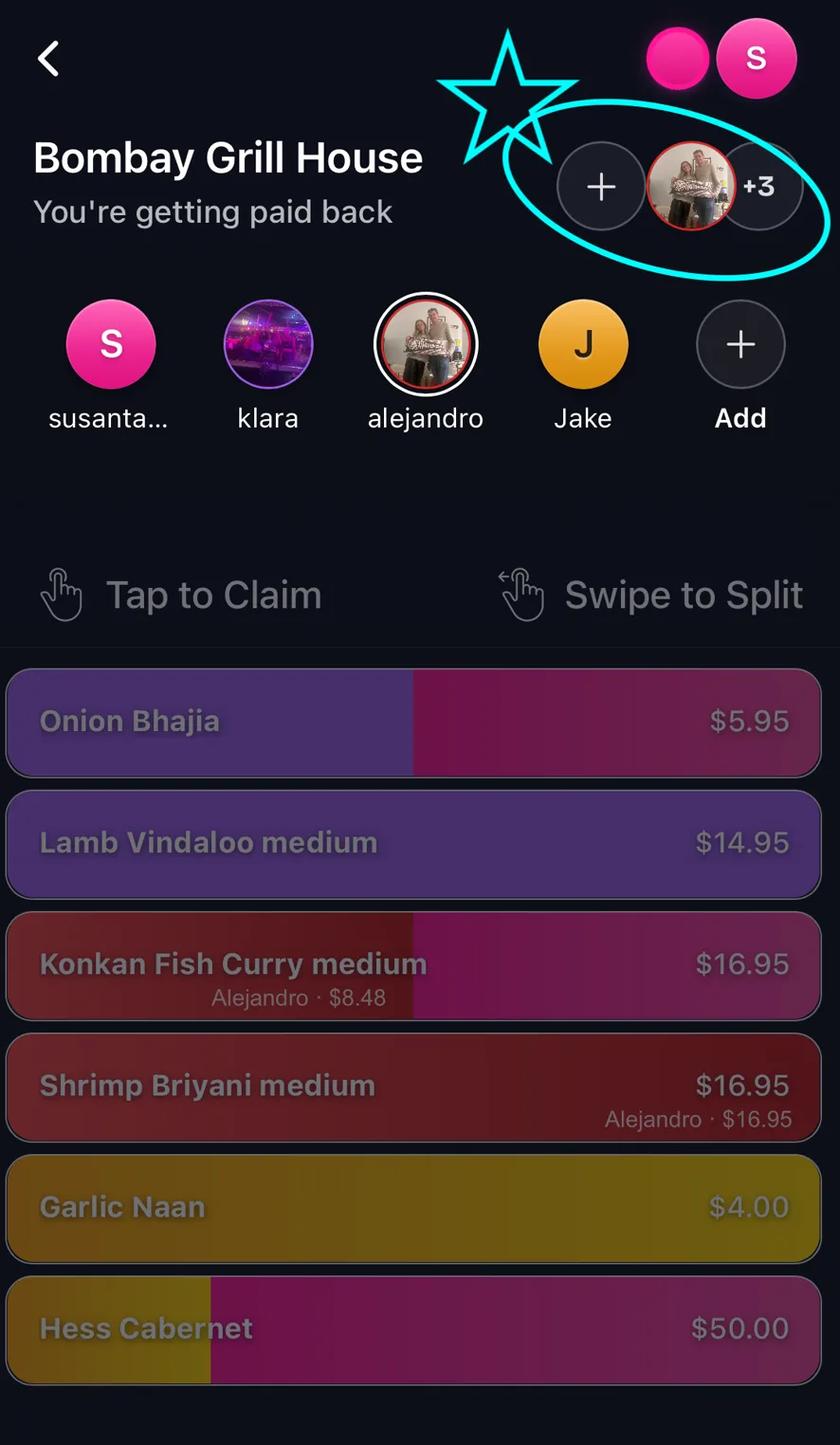
To select friends on your receipt to claim items for and Venmo request, click the + button top right and select a user to claim items for.
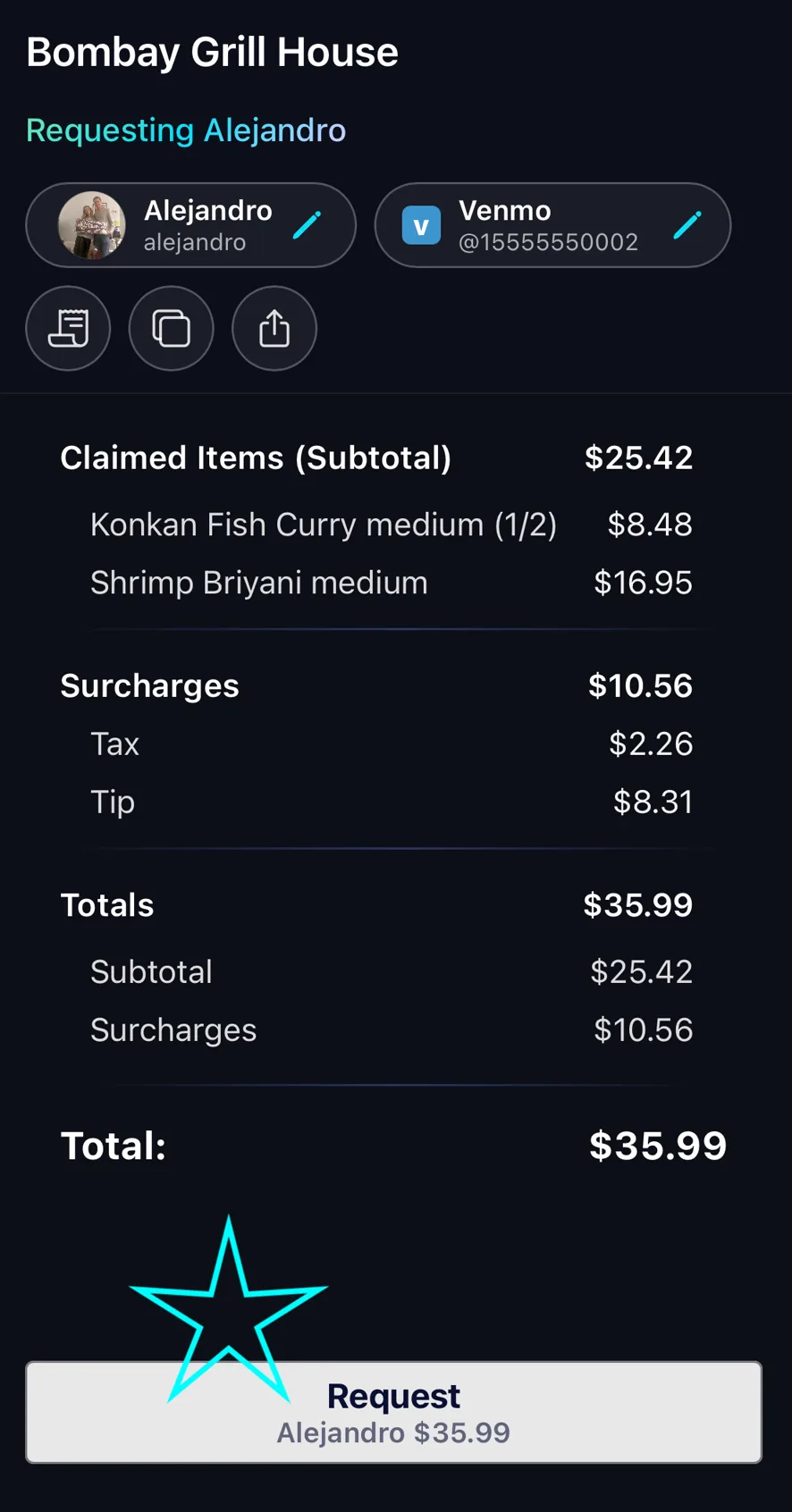
Then click Request, to review items, and Venmo request with the amount, handle, and message pre-filled.
Need more help?
We're here for you. Email us at support@tabster.ai and we'll get back to you as soon as possible.


